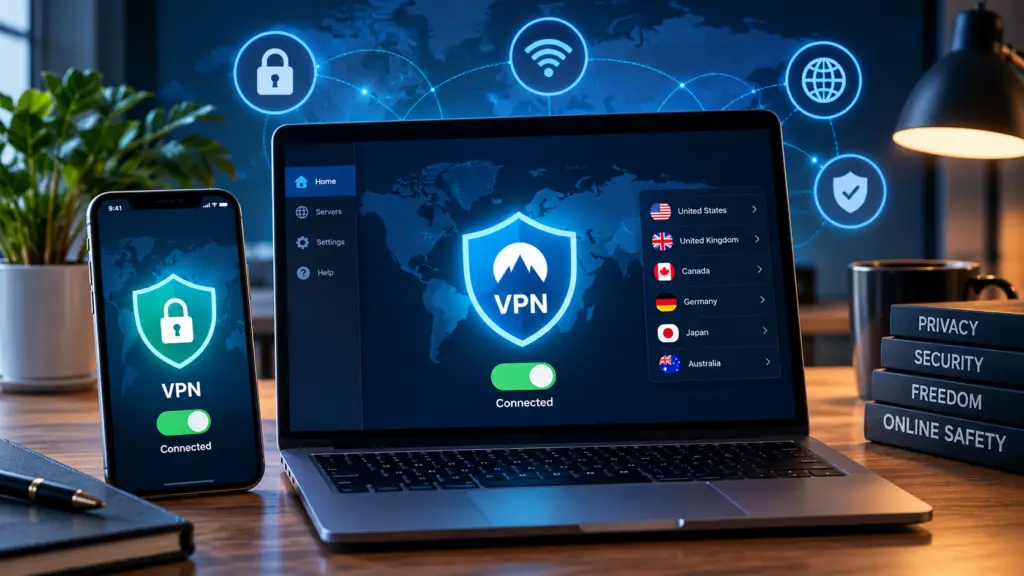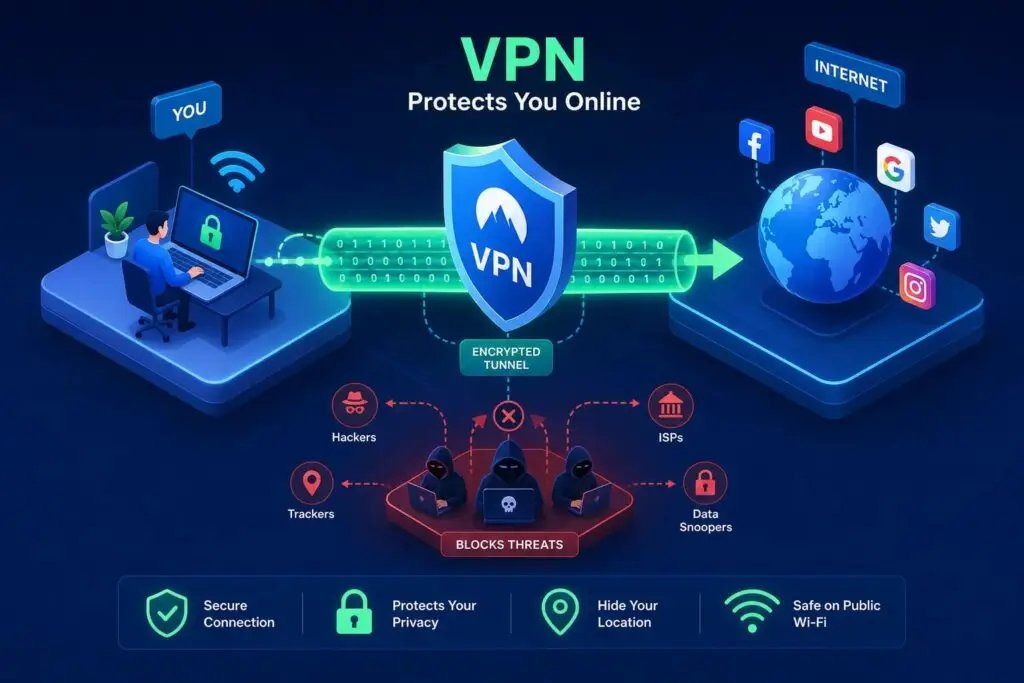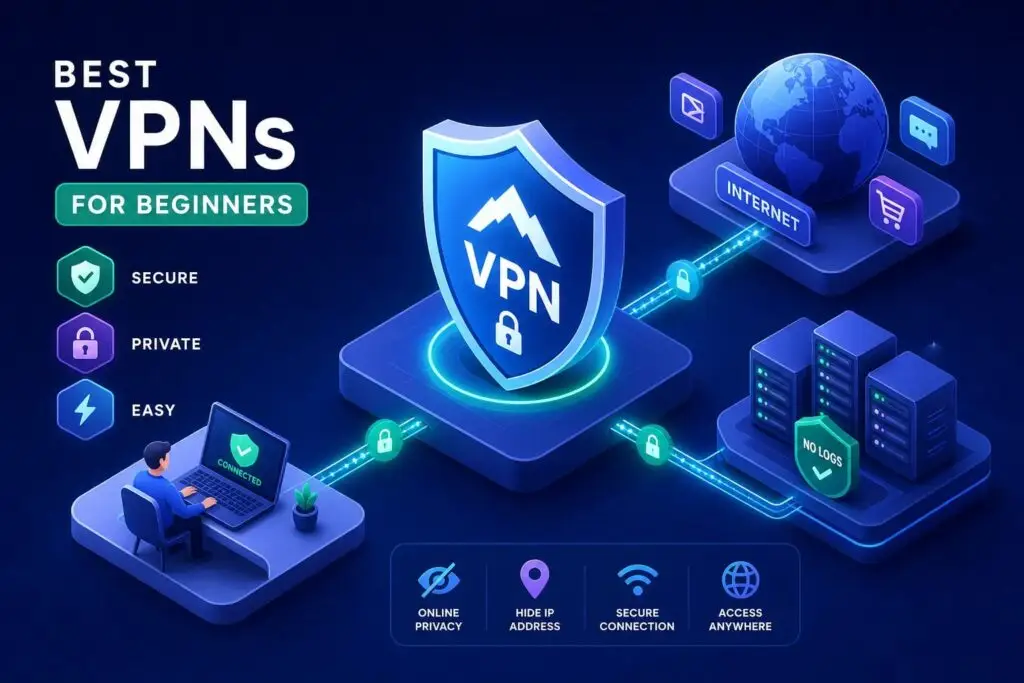
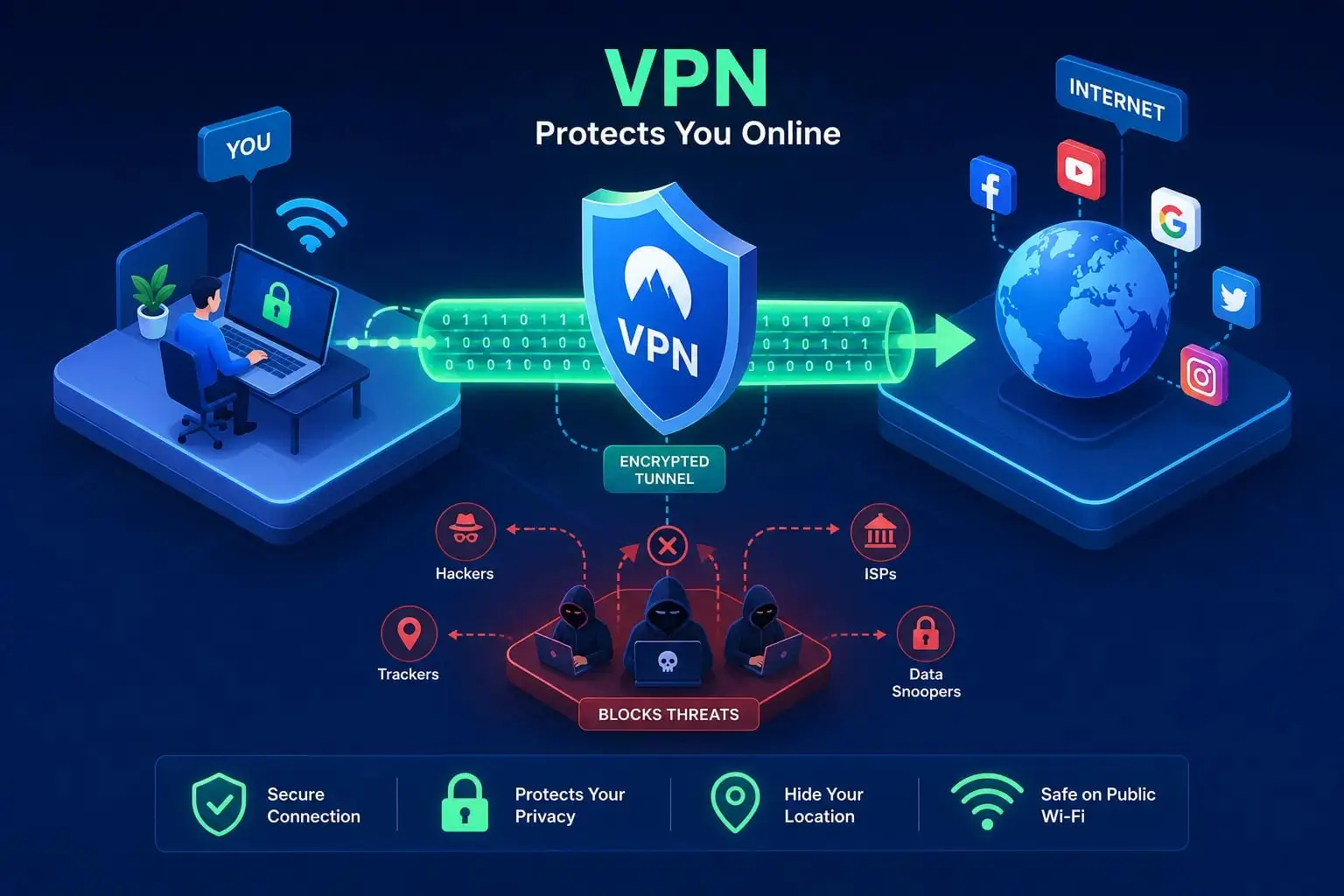
A virtual private network (VPN) is a service that sends your internet traffic through an encrypted tunnel to a remote server, hiding your data from anyone watching the network between you and your destination. The VPN server then forwards your request to the website, which sees the server’s IP address instead of yours. Think of your normal internet connection as sending a postcard that anyone along the mail route can read. A VPN seals that postcard inside a locked box, with both you and the server holding keys. Sites like Hagaha review and compare VPN services specifically to help everyday users cut through the marketing noise and find services that actually deliver on these promises.
Key takeaways
- Core function: A VPN encrypts your internet traffic and routes it through a remote server, masking your IP address from websites and limiting what your internet provider can see.
- Tunneling and encryption: Your device and the VPN server negotiate session keys, then use those keys to encrypt and decrypt the tunneled traffic on both ends.
- Three main protocols: WireGuard (fast and modern), OpenVPN (flexible and compatible), and IKEv2/IPSec (great for mobile) each serve different needs.
- Best use cases: Public Wi-Fi protection, remote work access, and everyday browsing privacy are the clearest reasons to use a VPN.
- Real limitations: A VPN shifts trust to your provider, not away from everyone; it won’t stop phishing, malware, or tracking on sites where you’re logged in.
- Choosing wisely: Look for independently audited no-logs policies, WireGuard support, a kill switch, and transparent pricing. Exercise caution with free VPNs.
How does a VPN tunnel encrypt your data?
Your internet traffic is like a letter. Normally, anyone along the delivery route can read it: your internet provider, your network administrator, or someone snooping on the same Wi-Fi. A VPN wraps that letter in a locked outer envelope addressed to the VPN server. Both your device and the server hold keys, negotiated during the connection handshake, to open it on their respective ends. This process is called encapsulation, and the scrambling of the original content is encryption. Encryption converts readable data into ciphertext that is meaningless to anyone without the correct key.
Here is what actually happens when you hit “connect.” Your device and the VPN server authenticate each other and agree on encryption settings, exchanging session keys using a method like Diffie-Hellman. Your device then encrypts your traffic before it even leaves, wraps it in an outer packet addressed to the VPN server, and sends it on its way. Routers and your internet provider can route that outer packet without being able to read what’s inside.
When the VPN server receives the packet, it decrypts and removes the encapsulation, then forwards your actual request to the website. Return traffic follows the same path in reverse. This process protects three things simultaneously. Confidentiality means eavesdroppers on the network between you and the VPN server can’t read your traffic. Integrity means the encryption can detect whether packets were tampered with in transit. Address privacy means the website sees the VPN server’s IP address, not yours, while your internet provider sees only a connection to the VPN server rather than your browsing destinations. It’s a meaningful layer of protection, but it’s worth understanding clearly what the tunnel covers and what it doesn’t.
What are VPN protocols and do they actually matter?
A VPN protocol is the set of rules that governs how the tunnel is built and how encryption is applied. Think of it like different postal carriers: some prioritize speed, some reliability, and some work better in specific conditions. The three protocols you’ll see most often in VPN apps are WireGuard, OpenVPN, and IKEv2/IPSec, each serving a distinct use case.
| Protocol | Speed | Best for | Main drawback |
|---|---|---|---|
| WireGuard | Fastest; lowest battery and CPU overhead | Everyday use, streaming, gaming | UDP-only; easier to block on restrictive networks |
| OpenVPN | Slower, especially over TCP | Restrictive networks, maximum compatibility | More complex; heavier resource use |
| IKEv2/IPSec | Fast, especially with hardware acceleration | Mobile devices, switching networks | Complex configuration; legacy combos are weaker |
WireGuard is the modern, lean choice. It uses a compact codebase that’s easier to audit for security flaws, delivers the highest speeds, and drains the least battery on mobile. OpenVPN is the veteran of the group: flexible, compatible with nearly everything, and capable of running over TCP port 443, which makes it look like regular web traffic on restrictive networks. IKEv2/IPSec is the mobile-friendly option, built into most operating systems and especially good at reconnecting automatically when you switch from Wi-Fi to cellular.
Many consumer VPN apps offer automatic protocol selection, and many modern apps support WireGuard as a default or recommended option, so you often don’t need to configure anything manually. One important caveat: protocol choice alone doesn’t make a service trustworthy. The provider’s logging policies and infrastructure matter just as much as the technical spec. Know these names so you can spot them in your settings, and keep in mind that your app’s automatic default is generally a reasonable starting point.
Some providers also offer split tunneling, a feature that lets you route only selected apps or websites through the encrypted tunnel while the rest of your traffic goes through your normal connection. This is useful when you want the security of a VPN for sensitive browsing but don’t want it slowing down bandwidth-heavy activities like local streaming or large file transfers. If you frequently switch between tasks that need different levels of privacy, split tunneling is worth looking for when comparing services.
When does using a VPN actually make sense?
The clearest use case is public Wi-Fi. Airports, hotel lobbies, cafes, and libraries offer unencrypted networks by default, meaning anyone on the same connection could potentially intercept your traffic. A VPN substantially reduces the risk of on-network eavesdropping by encrypting everything before it leaves your device. If you’re doing any banking, shopping, or work on a public network, an encrypted connection is one of the simplest and most effective protections you can add.
Privacy from your internet provider is the second major reason. Without an encrypted tunnel, your provider can see which domains you visit. A VPN limits that visibility: your provider sees a connection to a VPN server, not your actual destinations. As a side benefit, your real IP address stays hidden from the websites you visit, which also gives some users access to region-specific content on streaming services where that’s permitted.
For remote workers and business teams, a VPN serves a different purpose entirely. When an employee connects to a company VPN, they create a secure tunnel into the private business network, allowing access to internal tools and files exactly as if they were sitting in the office. Businesses with multiple locations use site-to-site VPNs to link those offices securely without paying for expensive dedicated connections. For a freelancer working from a coffee shop or a remote employee on a home network, a VPN is one of the most practical security tools available.
What won’t a VPN protect you from?
A VPN doesn’t make you anonymous. It moves trust from your internet provider to the VPN provider. If the provider logs your activity, a data breach or legal demand could expose that data just as easily. “No logs” claims vary widely in how meaningful they actually are. The best providers back up those claims with independent audits, where security firms examine server configurations, logging systems, and internal controls to verify that identifying data isn’t being stored. Look for published audit reports from named firms, not just marketing copy on a homepage.
Leaks are another real risk. A misconfigured service can expose your real IP address through DNS leaks, where your domain name requests slip out to your internet provider, or through WebRTC, which can reveal local IP information directly through your browser. This is why a kill switch matters: it’s a failsafe that automatically blocks all internet traffic if the connection drops unexpectedly, preventing your device from falling back to an unprotected connection. Without one, even a brief outage can expose your real IP before the tunnel reconnects.
Speed is a fair concern, and it’s worth setting realistic expectations. A reputable paid VPN typically reduces speed by about 10 to 20 percent on a US home broadband connection when using a nearby server and WireGuard, according to speed testing by VPNrank.io. On a 100 Mbps connection, you’d see roughly 80 to 90 Mbps with the service active. WireGuard minimizes the impact, but some slowdown is normal. Beyond speed, streaming platforms and some banking apps actively block known VPN IP addresses, meaning the tunnel occasionally disrupts the very services you’re trying to use.
Most critically, encryption protects traffic in transit only. It won’t stop phishing emails, malware, browser fingerprinting, or tracking on sites where you’re already logged in. Pair it with good password hygiene, a reputable password manager, and up-to-date antivirus software for a more complete security posture.
How do you choose a VPN service you can actually trust?
Start with the no-logs policy, and don’t stop at reading the provider’s own marketing. Look for an independent audit from a named security firm with a published report that covers actual server configurations and logging systems, not just a review of the written privacy policy. Court-tested records, where a provider was legally compelled to hand over data and had nothing to give, add meaningful weight too. Jurisdiction matters alongside this: a provider based in a country with strong data-retention or surveillance laws faces more legal pressure to collect and disclose user data.
On the technical side, confirm the provider supports WireGuard for everyday use and includes a reliable kill switch. Split tunneling support is a bonus if you need it. Check that the server network includes locations relevant to your needs. Pricing should be transparent upfront, with no vague terms about what’s included. Exercise caution with free VPNs: some have been found to monetize users through data sharing or advertising, and a number of free apps have been associated with adware or spyware risks.
Comparing services properly means reading privacy policies, tracking down audit reports, and cross-referencing speed data, and that research process can be genuinely time-consuming. That’s where a dedicated review site can save you real time. Hagaha publishes beginner-friendly, regularly updated VPN and security reviews and comparisons designed to make that research straightforward for non-technical readers. If you’re ready to move from understanding VPNs to actually using one, those reviews give you the side-by-side comparison you need without the research marathon.
The bottom line on VPNs
A VPN is a practical tool, but only as good as the service running it. The technical fundamentals, encrypted tunnels, session keys negotiated between your device and the server, a kill switch standing guard, all serve the same goal: keeping your traffic private between you and your destination. Protocols, logging policies, and audit records determine whether a specific provider actually delivers on that promise.
Keep the limitations clear in your mind. Encryption shifts trust to your provider rather than eliminating it. It doesn’t stop malware, phishing, or tracking on accounts where you’re already logged in. And free services almost always trade your privacy for their revenue. With those expectations set correctly, a well-chosen service is a genuinely useful addition to your security toolkit for everyday internet use in 2026.
If you’re ready to pick a service rather than just understand what one is, the next step is comparing real providers on the criteria that actually matter. Check out Hagaha’s regularly updated VPN reviews for honest, plain-language breakdowns that help you make a confident decision without wading through technical jargon or outdated information.
Frequently Asked Questions
Will a VPN noticeably slow my online games?
A VPN can reduce your speeds, but WireGuard minimizes that impact; typical slowdowns on a US home broadband connection using a nearby server and WireGuard are about 10 to 20 percent. We note WireGuard is the fastest protocol and is suitable for everyday use, streaming, and gaming, so performance hits are smaller with it than with older protocols.
How can I check whether my VPN is leaking my real IP or DNS requests?
You should check specifically for DNS leaks and WebRTC leaks, since both are known ways your real address can slip out. We also recommend using a provider with a reliable kill switch so a dropped connection doesn’t let traffic fall back to your unprotected connection.
Will a VPN let me access region-specific streaming content?
A VPN can give some users access to region-specific content by hiding your real IP and showing the VPN server’s IP instead. We caution that streaming platforms and some banking apps sometimes block known VPN IP addresses, so the tunnel can occasionally disrupt the services you’re trying to use.
Is it safe to use a free VPN service?
Free VPNs require caution because some monetize users through data sharing or advertising and some have been associated with adware or spyware risks. We recommend prioritizing providers with transparent pricing, audited no-logs claims, WireGuard support, and a kill switch rather than relying on a free service.